Already compatible with
what's in your hands

There is no need for expensive and complex devices. Those you already have are probably enough to run your restaurant with Odoo.

Thiết bị di động

Desktops & laptops

Printers

Ki-ốt

And more...
with Odoo

Easily run
your restaurant
This setup is the configuration generally adopted by many users,
often considered the standard or default choice
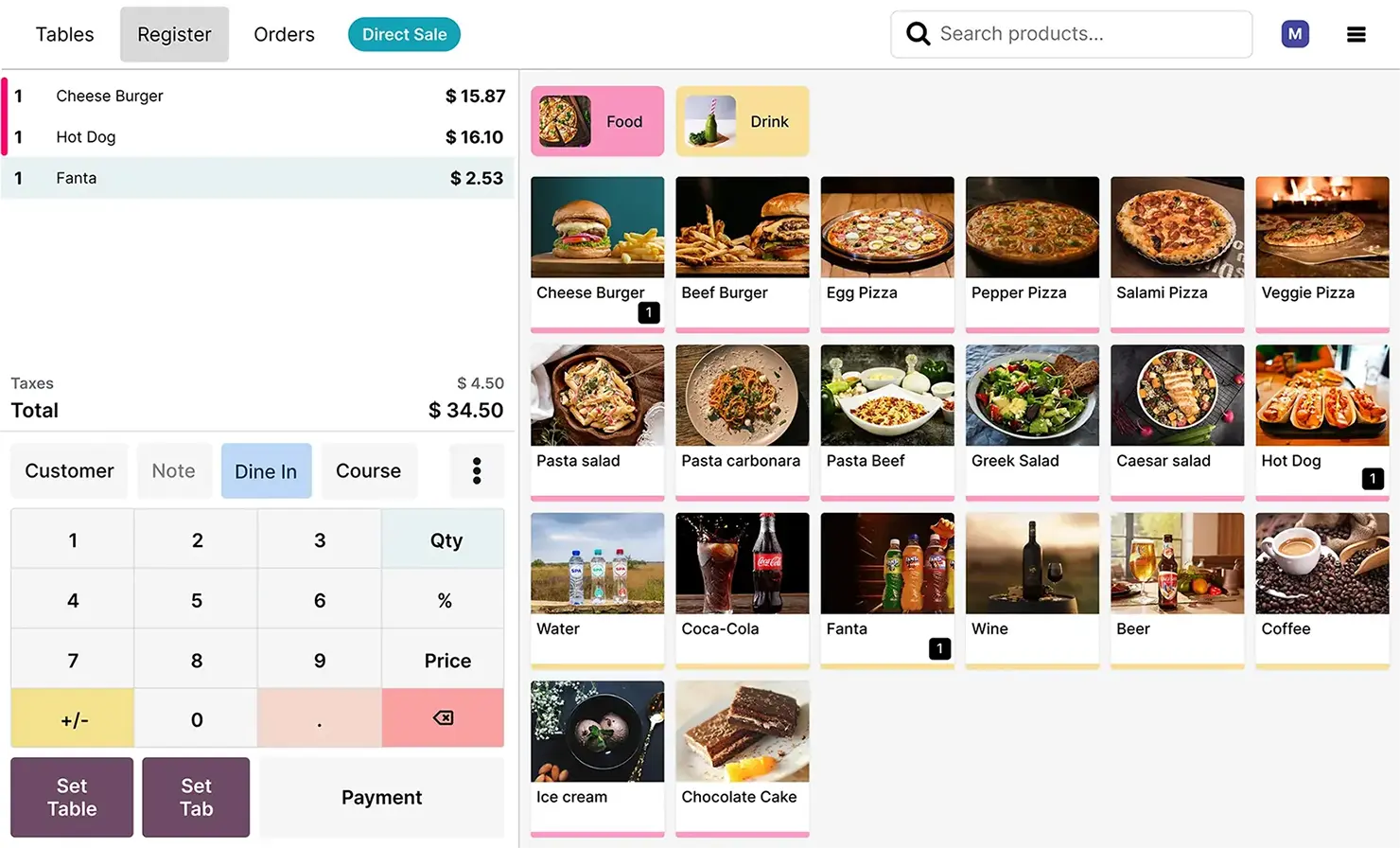
The POS app works
on any device

Run your Odoo POS on desktop, laptop, tablet or smartphone. Manage your sales seamlessly, anytime, anywhere.
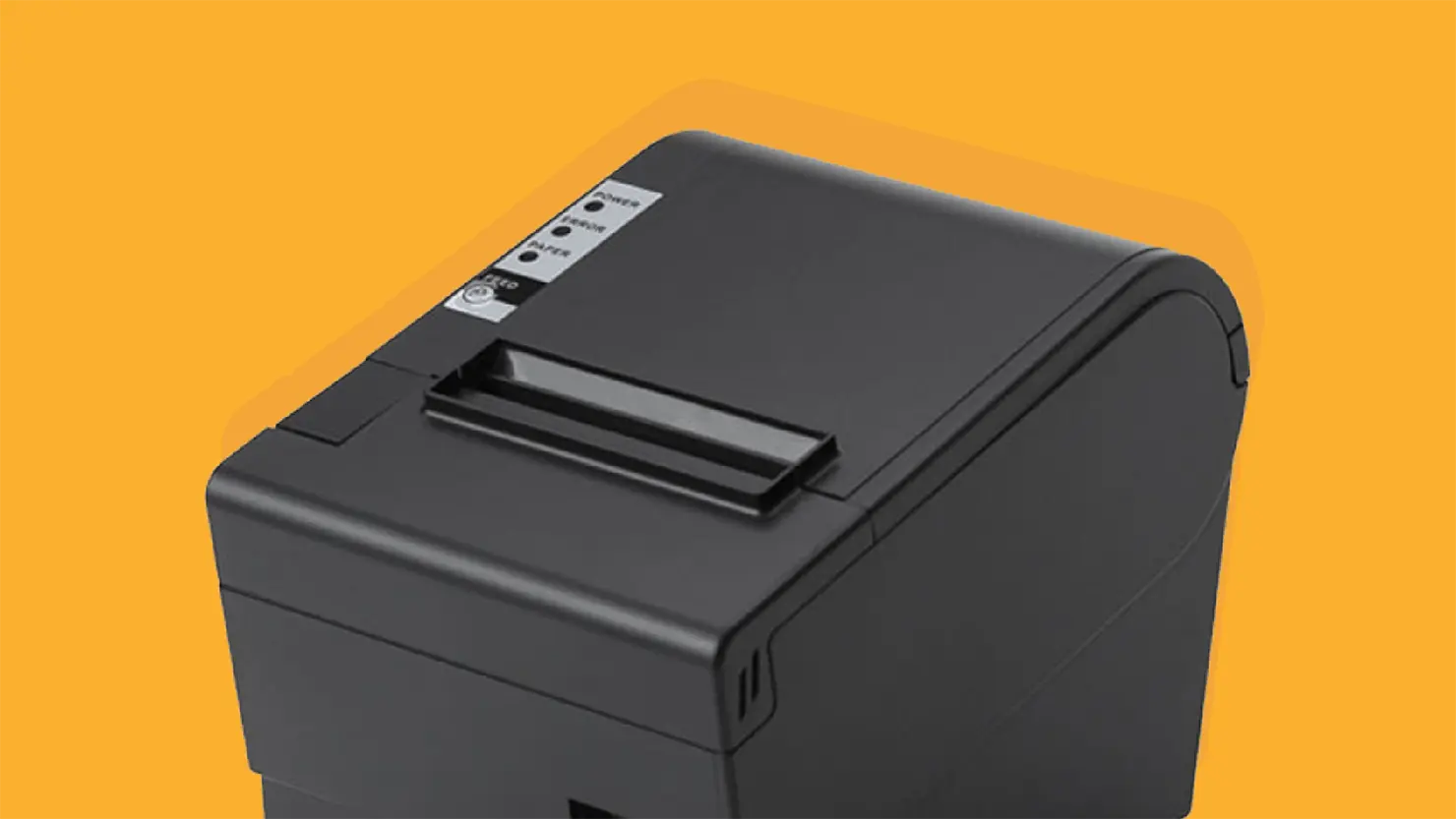
Printers
At the counter and in the kitchen. Epson ePOS, connected on your network.
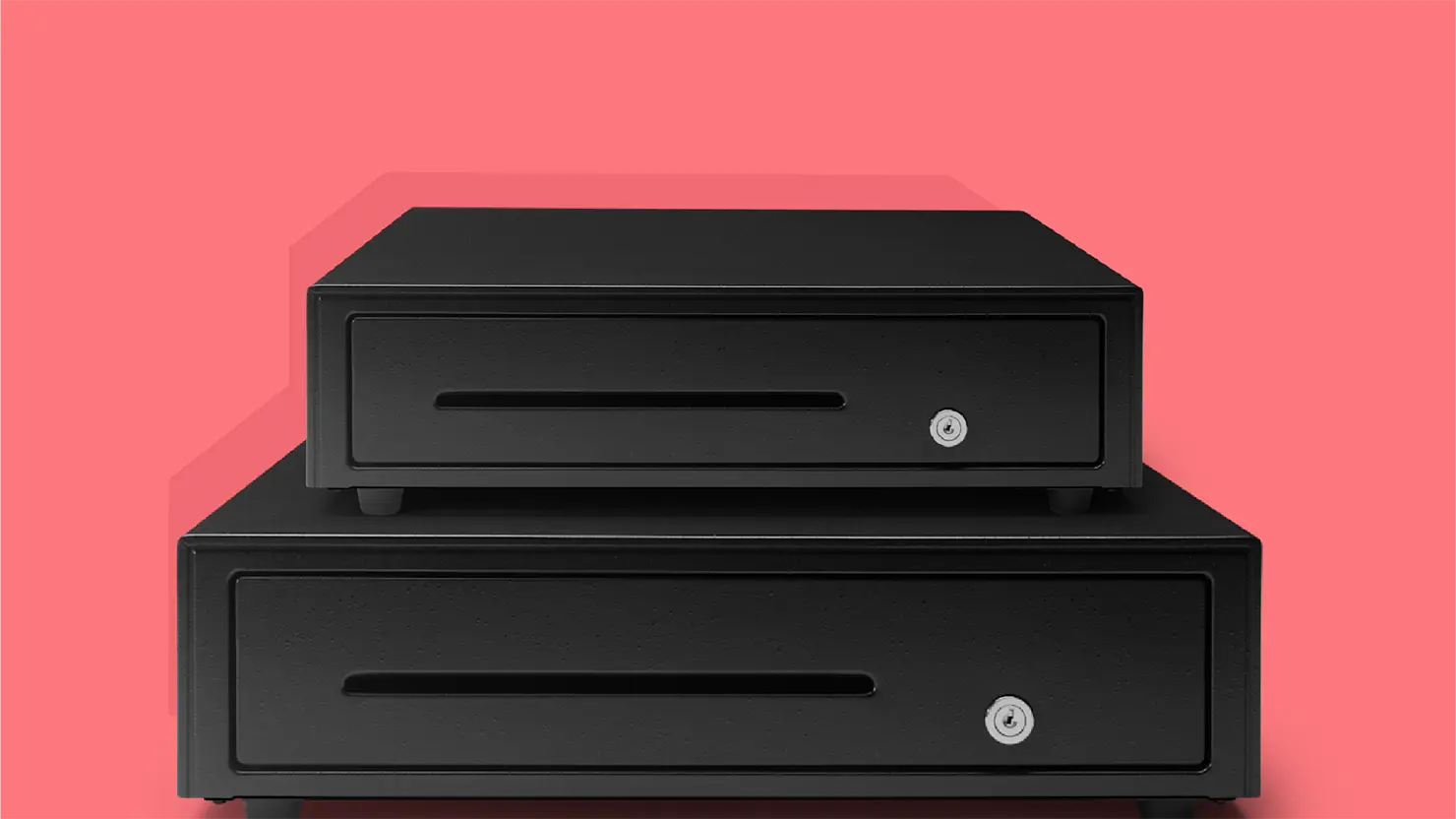
Cash drawers
Keep it simple at the counter.
Epson drawer, directly linked to your printer.
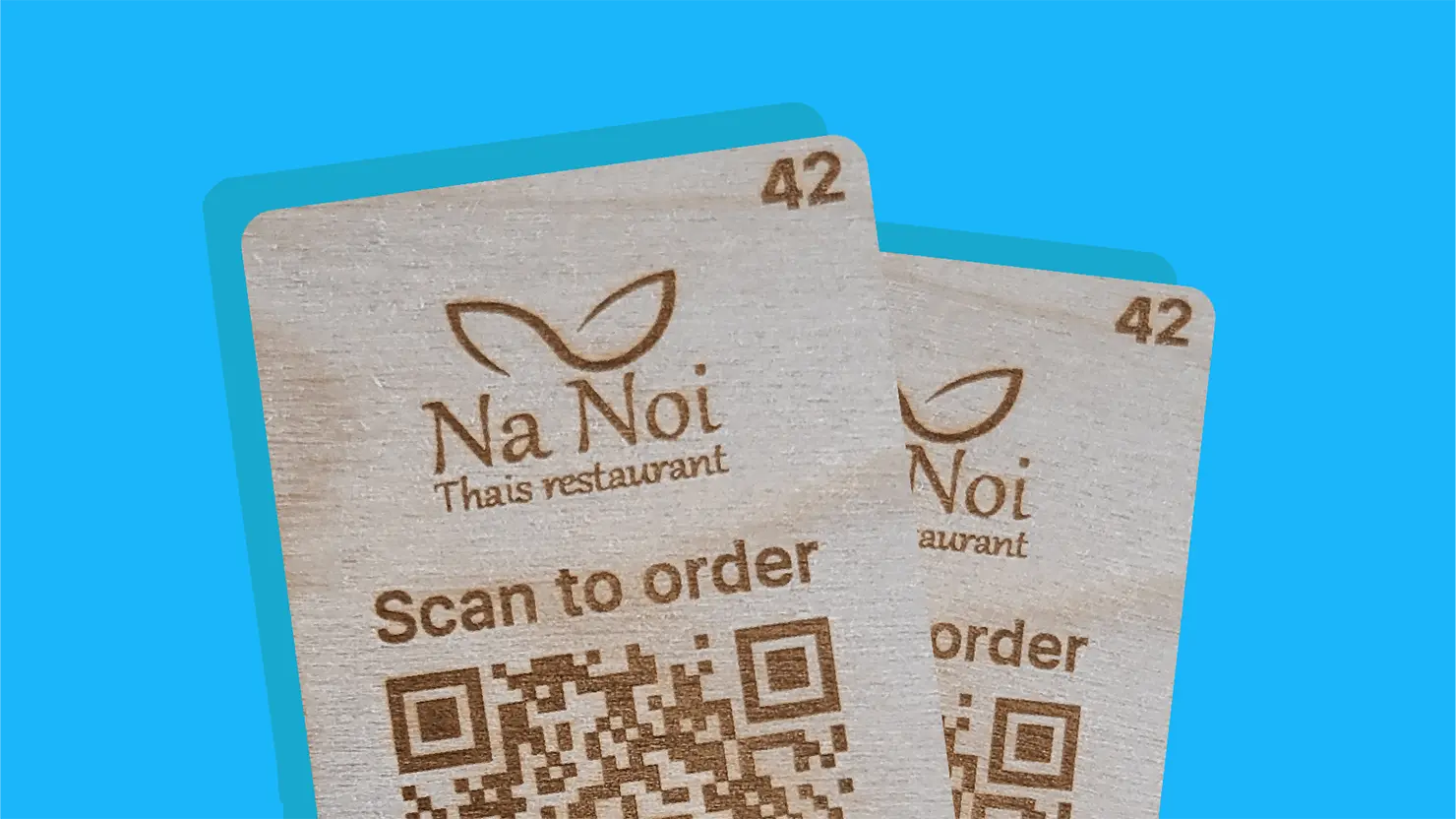




Odoo POS also works offline on all your devices!
Ready for
advanced options
No worries, Odoo is fully compatible
with the essential hardware you use to run your business.


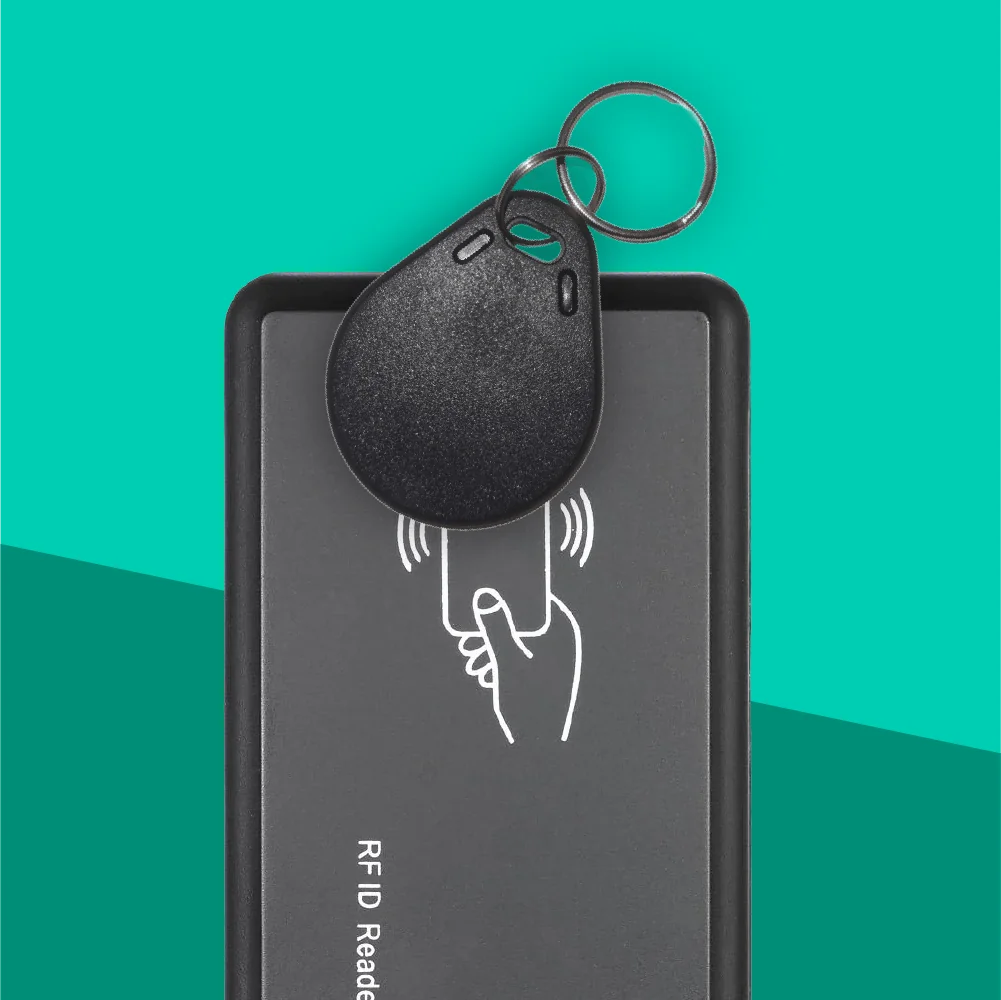
RFID Readers
Give your staff instant POS access. A quick tap is all it takes to log in and serve faster.
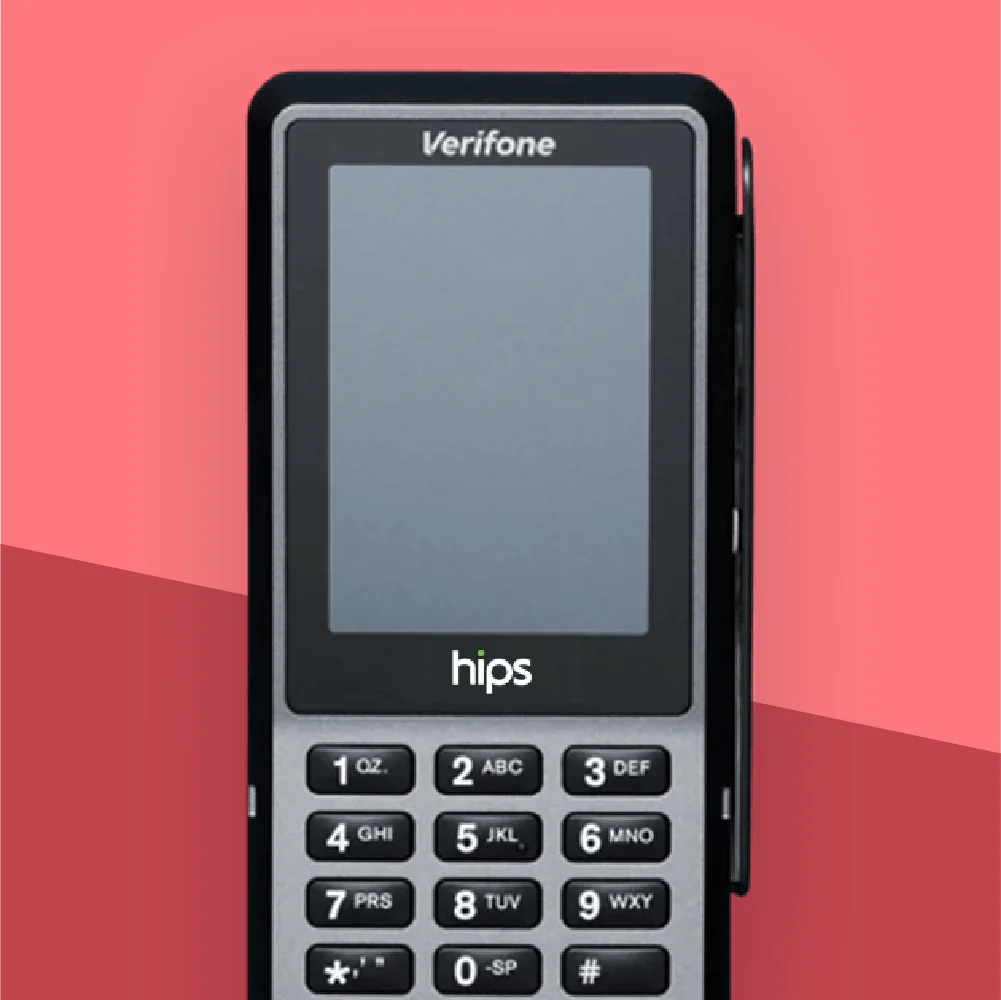
Thiết bị đầu cuối thanh toán
Accept payments with ease. Fully compatible with Stripe, Worldline, Adyen, and more.
Tìm hiểu thêm
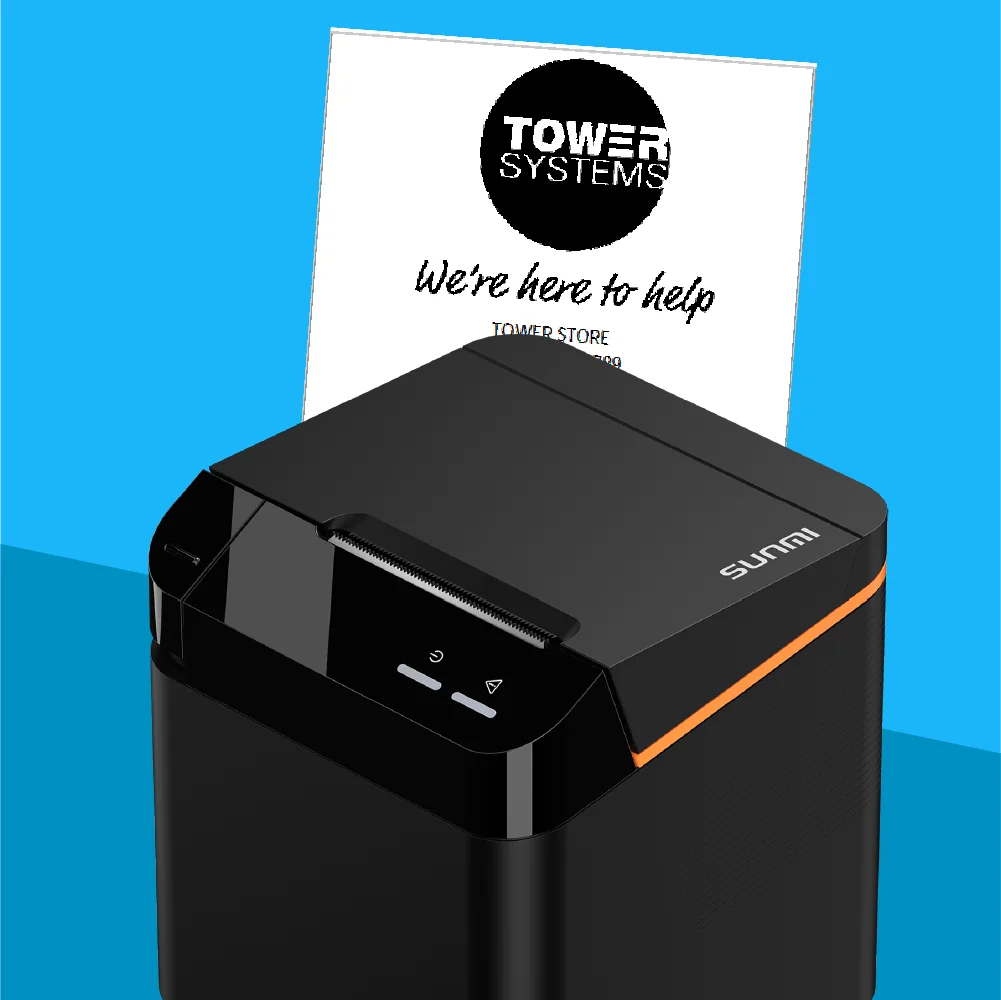
Printers
Print receipts or kitchen orders instantly. Any printer works through Odoo’s IoT Box.

Want to connect
more devices to Odoo?
If one of your devices is not supported by default,
Odoo's IoT will bridge the gap.


Physical solution
Connect your POS to any hardware in just a few clicks. Printers, scanners, scales, or cash drawers: everything works seamlessly on all devices and setups.
Tìm hiểu thêm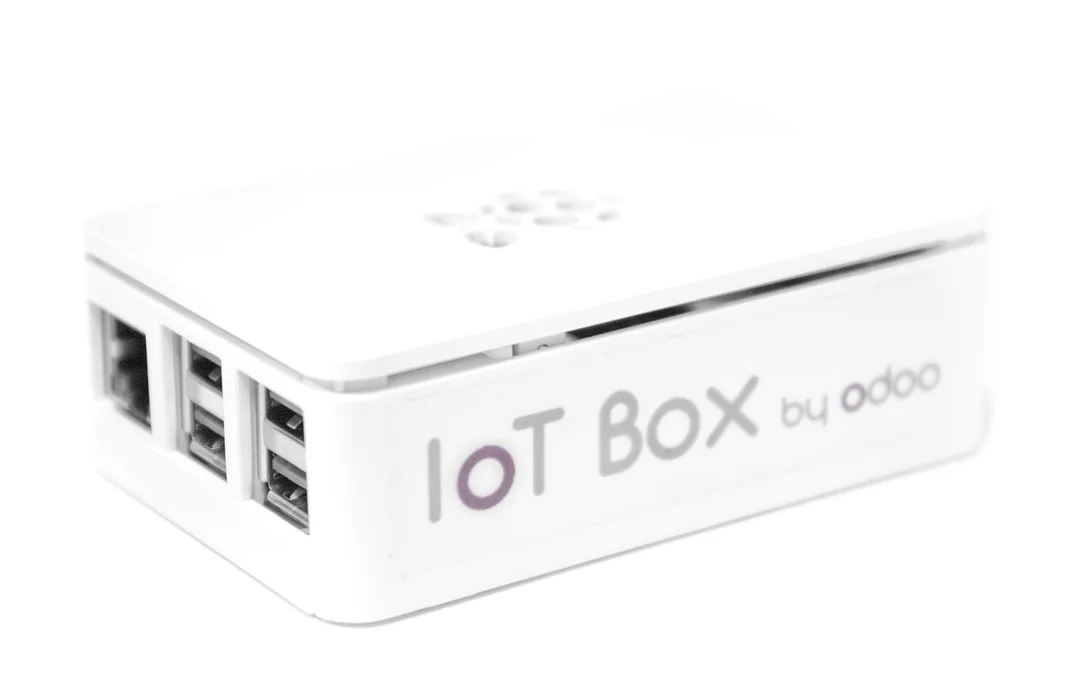

Virtual solution
No extra hardware needed. Replace the IoT Box with a virtual version fully compatible with Windows, and keep your POS connected anywhere, anytime.
Tìm hiểu thêm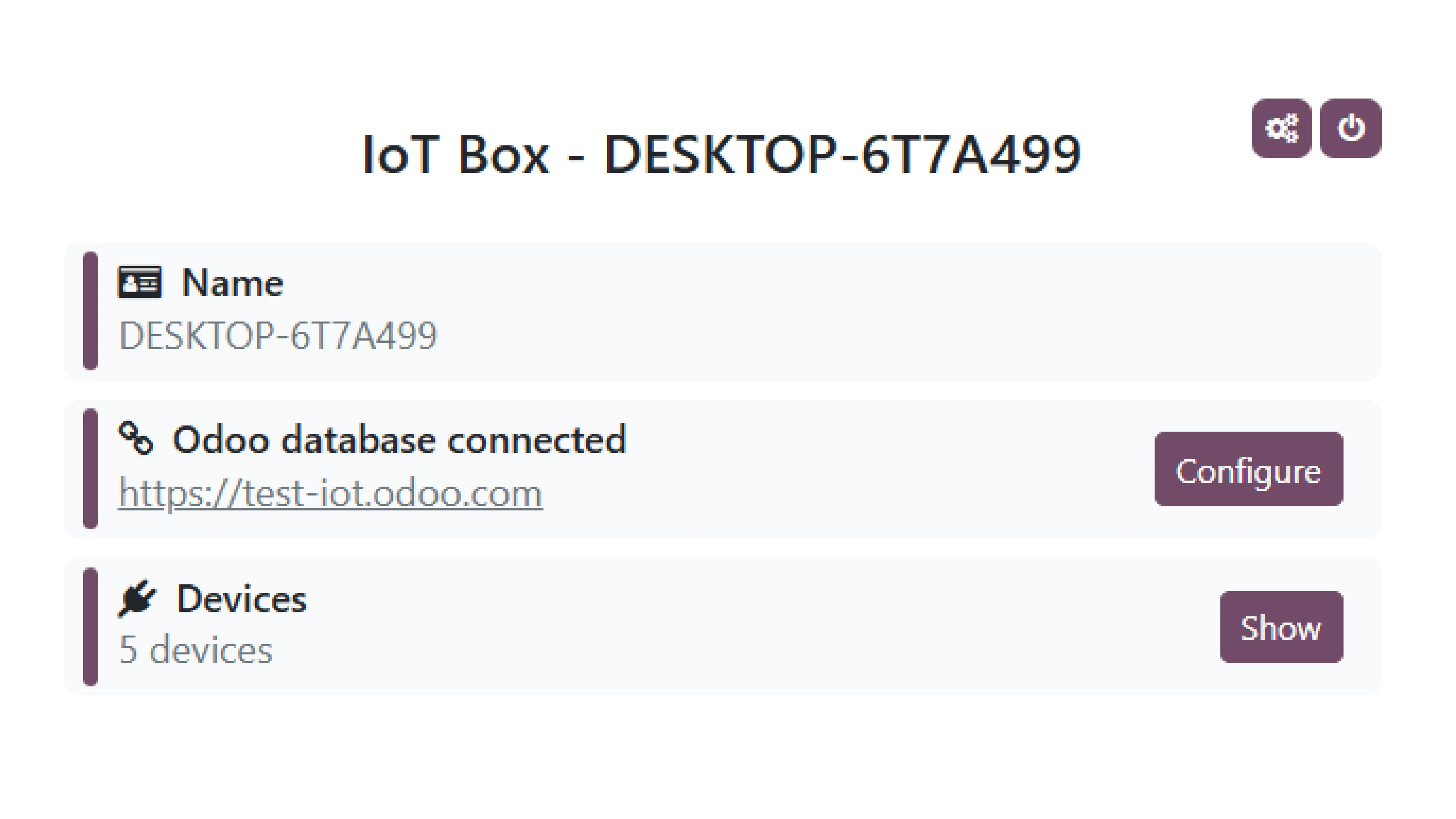


Any questions left?
We support all ZPL-based Zebra label printers, such as the Zebra ZD410 and ZD420. Printing will start automatically.
While other USB label printers will be detected by our system, the report template will require adjustments to match the printer's specific paper size.
Printing is initiated manually through the web browser's print dialog. Please note that an IoT Box is required for all label printers.
Yes! Odoo POS is designed to function seamlessly in offline mode. You can continue processing sales, managing inventory, and performing other essential tasks even when your internet connection is temporarily unavailable. Once the connection is restored, all offline transactions will automatically sync with the server.
You can print as long as the Point of Sale and the printer are connected to the same local network (Wi-Fi/Ethernet).
The IoT Box acts as a bridge between your Odoo Point of Sale and the hardware devices you want to connect, such as printers, scanners, and cash drawers. It enables seamless communication and ensures that your POS can interact with these devices effectively.
Various payment terminal combinations are possible on an Odoo Point of Sale:
- Adyen-Adyen
- Adyen-Ingenico
- Adyen-SIX
- Ingenico-Ingenico
- Ingenico-SIX
Additionally, the same Adyen or Ingenico payment terminal can be used with another Point of Sale.
Since Odoo Point of Sale v13, it is no longer necessary to have one IoT Box per Point of Sale, because the dropdown menu in the IoT configuration menu allows you to manually select specific hardware for multiple Points of Sale (with a few exceptions, such as an Ingenico payment terminal).
You can run Odoo Point of Sale on any device with a modern web browser, such as Google Chrome, Mozilla Firefox, Safari, or Microsoft Edge. This includes desktops, laptops, tablets, and smartphones. For the best experience, we recommend using a device with a stable internet connection and sufficient processing power to handle your POS operations smoothly.
Since 2020, the IoT Box (based on a Raspberry Pi 4) features two HDMI ports, allowing you to connect two additional screens besides the main cash register display (for example, one for customers and another for promotions).